How Melodoodle Works
Melodoodle is like a sketchpad for songwriters. You won't produce songs here, but it will help you bring them to life.
The quick version
Pick a few chords, listen to the progression
Hit record and hum along the whole thing. Throw in some words if you feel like it!
Go section by section, write actual lyrics, record those and see how it sounds
Duplicate sections for the structure, tweak as needed
Getting started
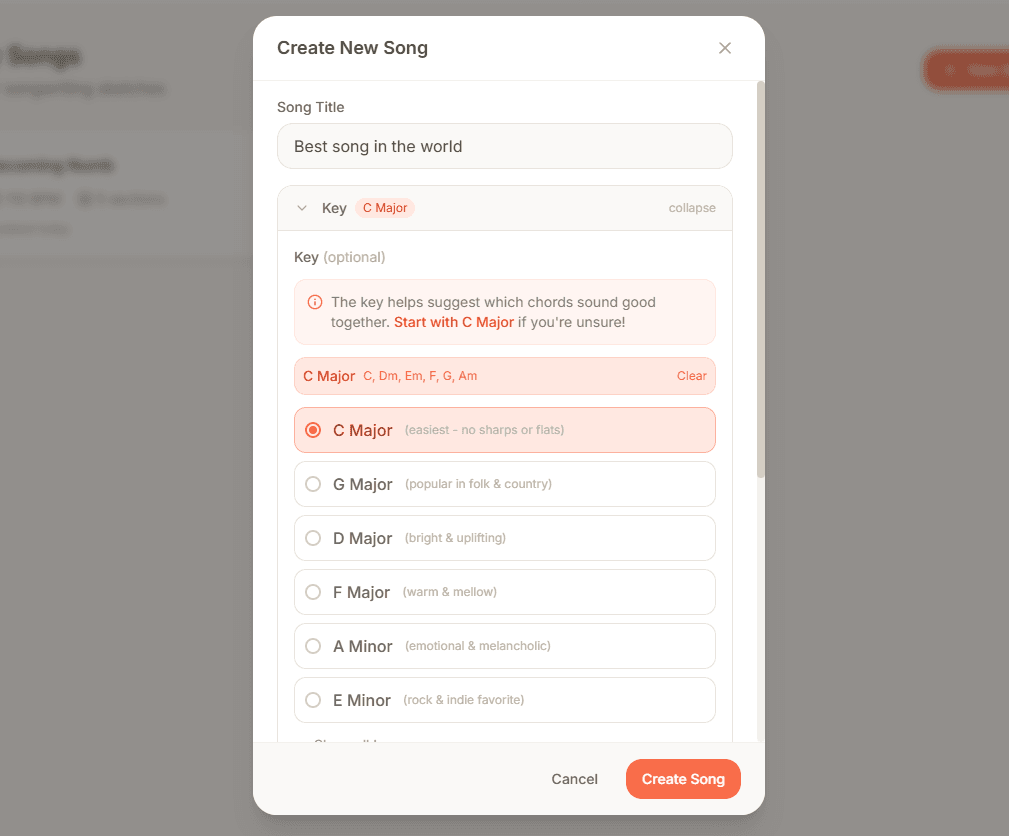
Pick a key (optional)
If you don't know where to start, pick a Key and the app will show you which chords work well together. It won't limit you if you want to try something unexpected... but that probably doesn't mean you should.
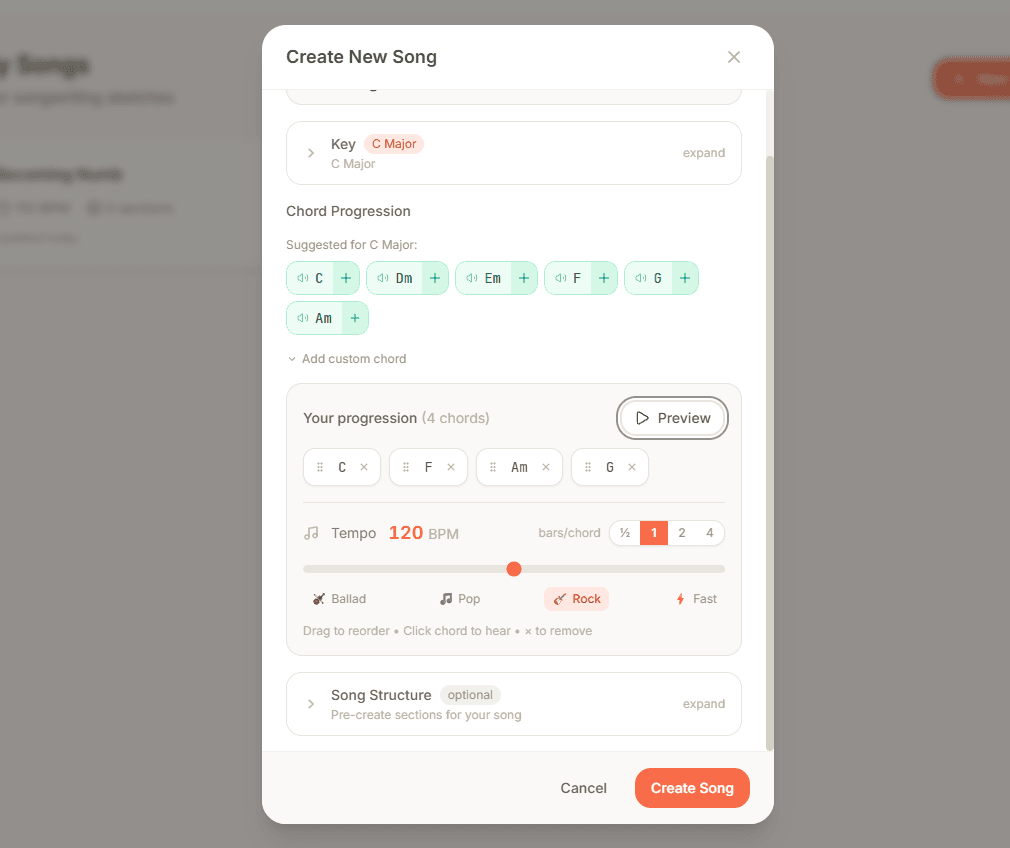
Set your tempo and chord progression
Pick a BPM that feels right. Since you picked a key, Melodoodle suggests safe chords. Play around and find a progression that feels right.
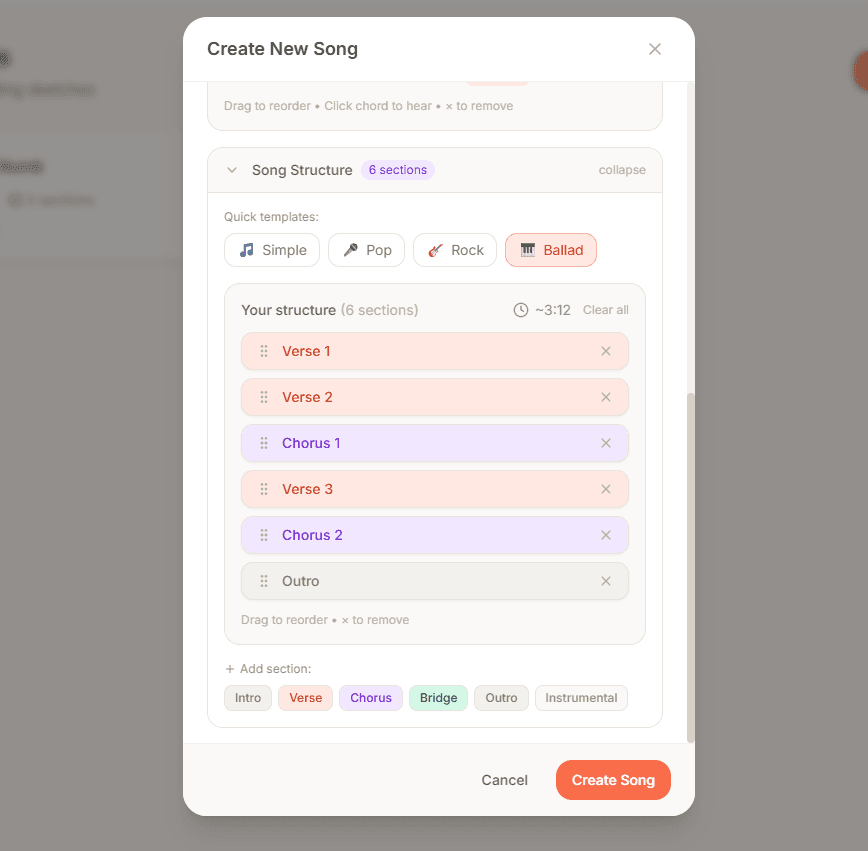
Create your song structure
Start with a template (Verse-Chorus-Verse-Chorus-Bridge-Chorus) or build your own. Each section is independent, so you can perfect your chorus without touching anything else.
Write your lyrics
Write a line, but don't feel limited by it. Add as many variations as you want. Only the one at the top will be used, but all the others will be there when you need them.
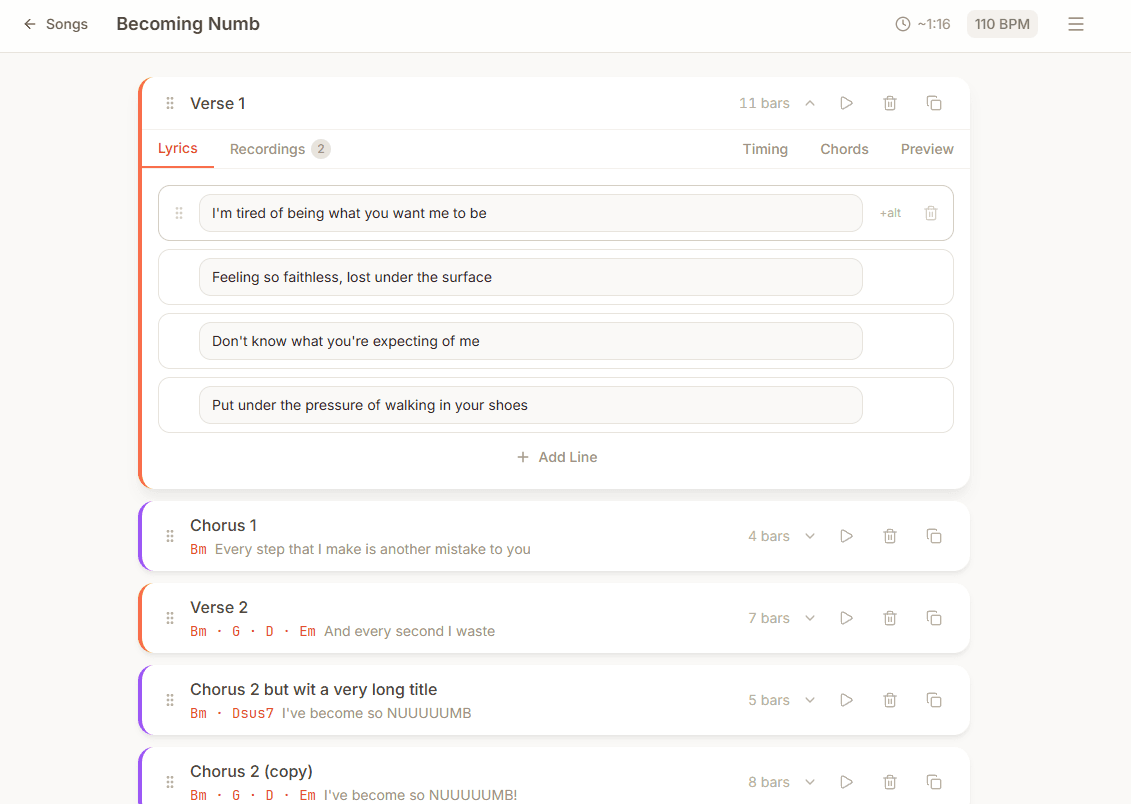
Time the chords
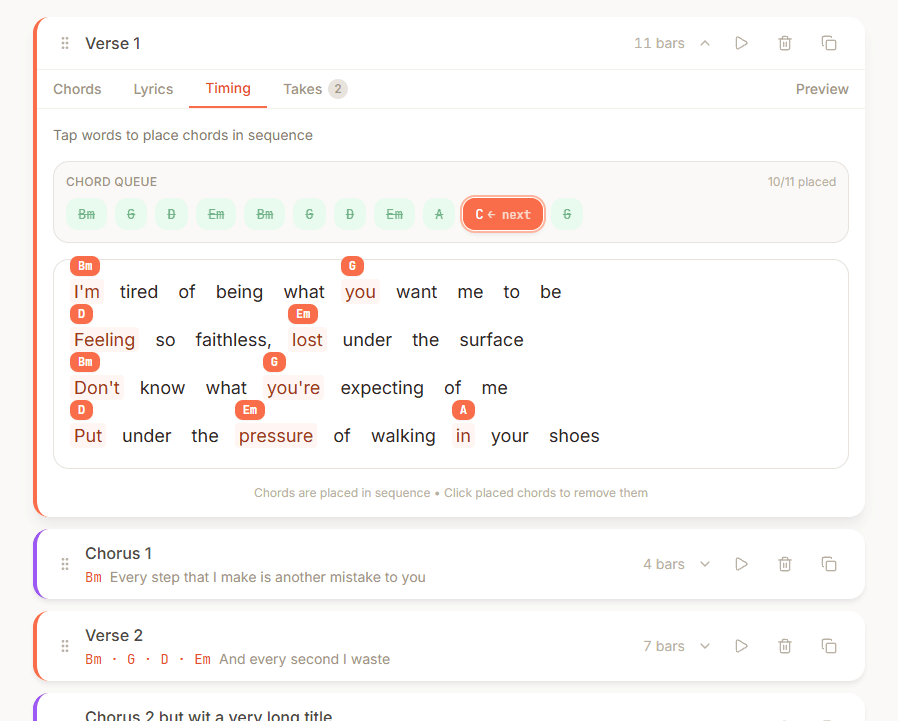
Set the stage for a reliable karaoke experience. If you're playing the guitar, you might recognize this format.
Record your ideas
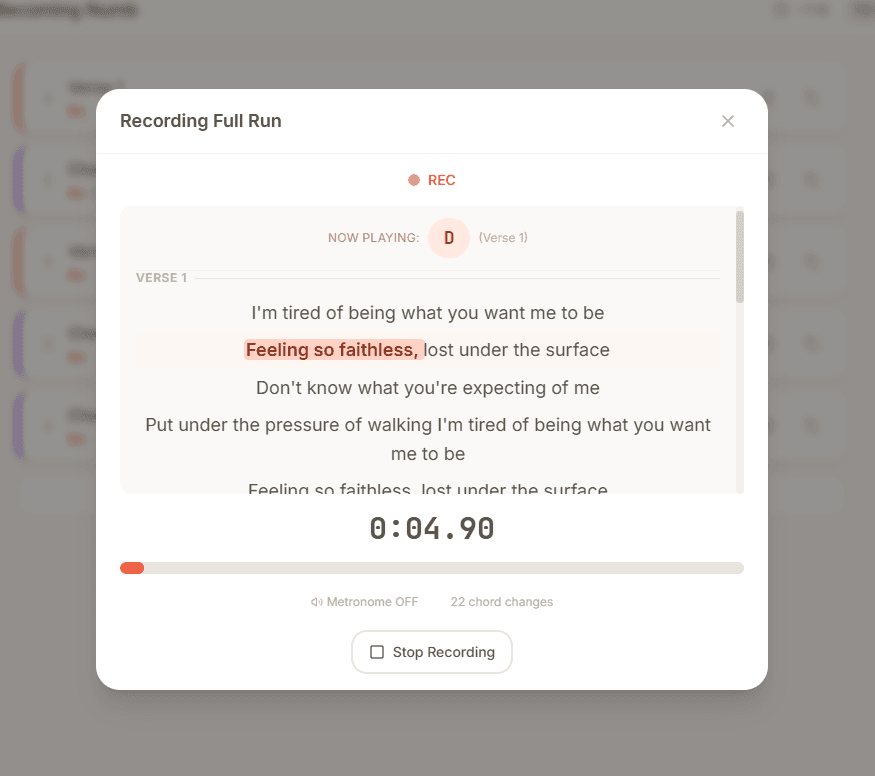
Hit record and sing over the chord progression. Don't like that take? Record another. Keep as many versions as you want – only the one on top will be played.
Pro tips
Full-run recording: The mic button next to the play button records the whole song at once. It will auto-slice into sections when you're done.
Timing tab: Each section has a Timing tab that creates chord tabs (handy if you play guitar). It also makes recording feel like karaoke.
On mobile: Get your mouth close to the microphone. There's only so much normalization the app can do!
Features that actually matter
Section-based workflow: Work on your verse until it's perfect, then duplicate it. Your second verse now has the same chords and structure, ready for new lyrics.
The scratchpad: Random lyric idea while working on the chorus? Throw it in the scratchpad. Alternative chord progression? Scratchpad. It's your messy notebook, digitized.
Multiple takes per section: Record your verse melody 10 different ways. Keep them all. Future you will thank present you.
Export when ready: Export to MP3 with your recordings, metronome, and chord changes. Take it to your DAW or just play along.
Ready to sketch your first song?
Start Creating